The password “Louvre”: why even large organizations forget what basic security means
Home » Security » The password “Louvre”: why even large organizations forget what basic security means
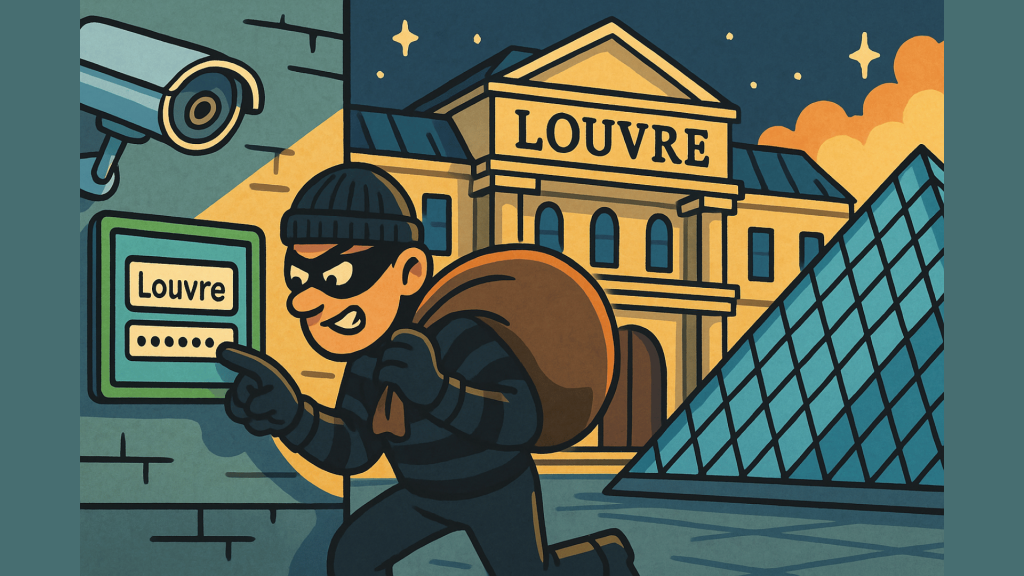
Some stories are so absurd that they seem almost funny. Until you realize what is really at stake. In October 2025, there was a break-in at the world-famous Louvre. What did they find?
The password for the security camera system was… “Louvre.”
A museum that spends millions of euros on physical security, but leaves its digital locks open. It sounds like a joke, but it painfully highlights something: even the largest organizations sometimes forget the basics.
Weak passwords: the small leak that sinks a ship
A password is like the key to your front door. You wouldn’t choose a key that fits every door, would you?
Yet many companies still use:
- default settings such as admin123 or Welcome2024
- predictable patterns (companyname2025)
- or passwords reused across multiple systems
The result? Hackers don’t need to be masterminds. They just need to guess.
Big names, small mistakes
Unfortunately, the Louvre is no exception. Here are a few more examples that show how a single weak password can bring an organization to its knees:
- Colonial Pipeline (US, 2021) – A reused VPN password without multi-factor security led to a ransomware attack that disrupted fuel supplies on the East Coast.
- Verkada (US, 2021) – A password circulating online gave hackers access to more than 150,000 security cameras in schools, hospitals, and Tesla factories.
- Facebook (2019) – Millions of user passwords were found to be stored internally in plain text, meaning that a single internal error could have disastrous consequences.
- Nintendo (2020) – Thousands of accounts were hacked because users reused passwords from other websites that had been leaked previously.
Every case shows the same pattern: it is not always sophisticated attacks that break companies, but the human habit of convenience over security.
What can you learn from this as an organization?
A strong password policy is not a luxury, but a fundamental requirement.
- Use unique, complex passwords for each system.
- Use a password manager (such as Bitwarden) to keep this simple.
- Always enable multi-factor authentication (MFA).
- And above all: train employees so that they understand why it is important.
Small effort, big difference
Cyberattacks are rarely purely technical. They often start with something human: a password that is too simple, or a habit that feels too familiar.
The solution is not expensive technology, but a change in awareness.