Did you click on a bad link? Here’s what you should do now
Home » Security » Did you click on a bad link? Here’s what you should do now
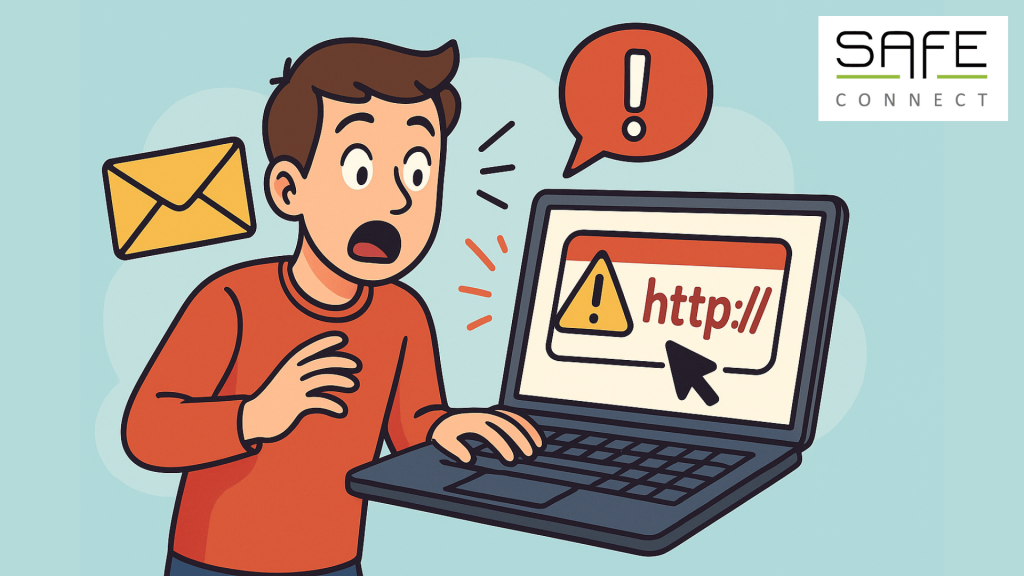
It can happen to anyone. An email that looks trustworthy, a link that seems genuine, and before you know it, you’ve clicked on it. Don’t panic. The most important thing is to act quickly and correctly. Below you will find a concrete step-by-step plan that you can follow.
- Do not click anywhere else
If you have already clicked on the link, close the website or window immediately. Do not enter any additional information, even if you are asked for a password or code.
Why? The less you do, the less chance there is that criminals will steal anything. Always check your downloads to see if anything has been added. Delete the file immediately and do not run it under any circumstances.
- Report it immediately to IT
Send a brief notification to your IT department or security team. They will often want to see the suspicious message, so don’t delete the email right away.
Why? The sooner they know, the better they can protect your account and the network.
- Change your passwords
Have you entered your details? Then immediately change the password for the account in question. Use a strong and unique password right away. Do you use this password for multiple accounts? Then the only solution is to change those passwords as well.
Extra tip: use a password manager, so you don’t have to remember your strong and unique passwords yourself.
- Check your devices
Run a virus scan on your laptop or device. This will allow you to check whether any malware has been installed. If necessary, ask IT to do this with you for extra security.
Why? Phishing links can sometimes do more than just steal data. They can also install malicious software.
- Stay alert for suspicious activities
Keep a close eye on your mailbox and accounts over the next few days. If you notice any unusual login attempts, strange emails, or suddenly blocked accounts, report this immediately.
Why? Cybercriminals often try to strike quickly after initial contact.
Everything at a glance
If you have clicked on a phishing link, it is important that you take the right steps. By staying calm and following these steps, you can limit the damage and help keep your organization safe.
Want to learn how to recognize phishing faster? We are happy to help you with an Awareness Training platform that uses E-learning. Looking for a password manager? Then you’ve come to the right place. Feel free to contact us for more information!