Minor security measures with a major impact
Home » Security » Minor security measures with a major impact
Cybercriminals are becoming smarter, faster, and more creative. However, you don’t need complicated systems to protect your organization. Often, the power lies in simple measures that you can apply immediately within Microsoft 365. Two examples of this are geoblocking and blocking USB devices.
Let’s take a look at why these steps are so effective.
Geoblocking
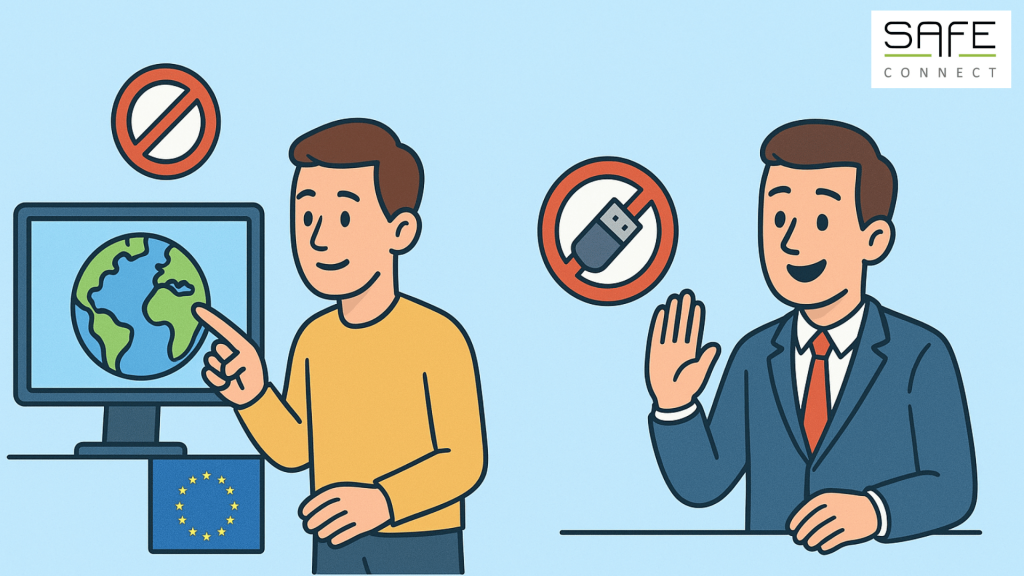
Many cyberattacks originate outside Europe. Examples include phishing emails, brute force attacks, or attempts to log into accounts. With geoblocking, you can determine which countries are permitted to connect to your Microsoft 365 environment.
Do you only allow traffic from Belgium and the Netherlands, for example? Then any attempts from Russia, China, or the US will simply be rejected. This immediately reduces a large part of the threat.
Your benefit: criminals have less opportunity to even attempt an attack. That reduces a lot of risk and, above all, a lot of unnecessary stress.
USB-blocking
A USB stick may seem harmless, but it can be extremely dangerous. There are many fraudulent USB devices that can infect your system with spyware, ransomware, or other malware. What’s more, someone could easily steal your data or shut down your system using a USB stick.
By blocking USB devices, you eliminate this risk. Your employees will then use secure alternatives such as OneDrive or SharePoint to share files. So you not only remove a threat, but also ensure a better, more secure way of working together.
Your benefit: you close the back door that hackers or malicious individuals can use to gain secret access. This is certainly very important if you often work in other locations or offices.
More clever basics
In addition to geoblocking and USB blocking, there are a few simple measures that are often overlooked but make a big difference:
- Multi-Factor Authenticatie (MFA): the classic: ensure that no one can log in with just a password.
- Automatic logout after inactivity: prevent an unattended laptop from becoming an invitation for misuse.
- Limit admin rights: only give employees the access they really need.
- Set up security alerts: receive alerts for suspicious login attempts or data breaches.
Simplicity that works
Cybersecurity often sounds complex, but these measures show that there is another way. With a few simple settings, you can significantly increase the security of your entire organization.
Would you like to know what other measures are easy to implement within Microsoft 365? Then it’s a good idea to work together to identify the biggest risks for your organization. From there, you can take accessible but effective steps. Need help? We’re happy to assist you!